

How to Use Brkcore
Creating Your First Generation
1. Starting Brkcore
Sign up or sign in. New accounts complete a short onboarding quiz, then choose a plan and start a free trial before full access.
Once you have access, go to your dashboard. You will automatically begin in a new session, otherwise start a new session by clicking New Session (plus icon in the sidebar).
2. Select a mode
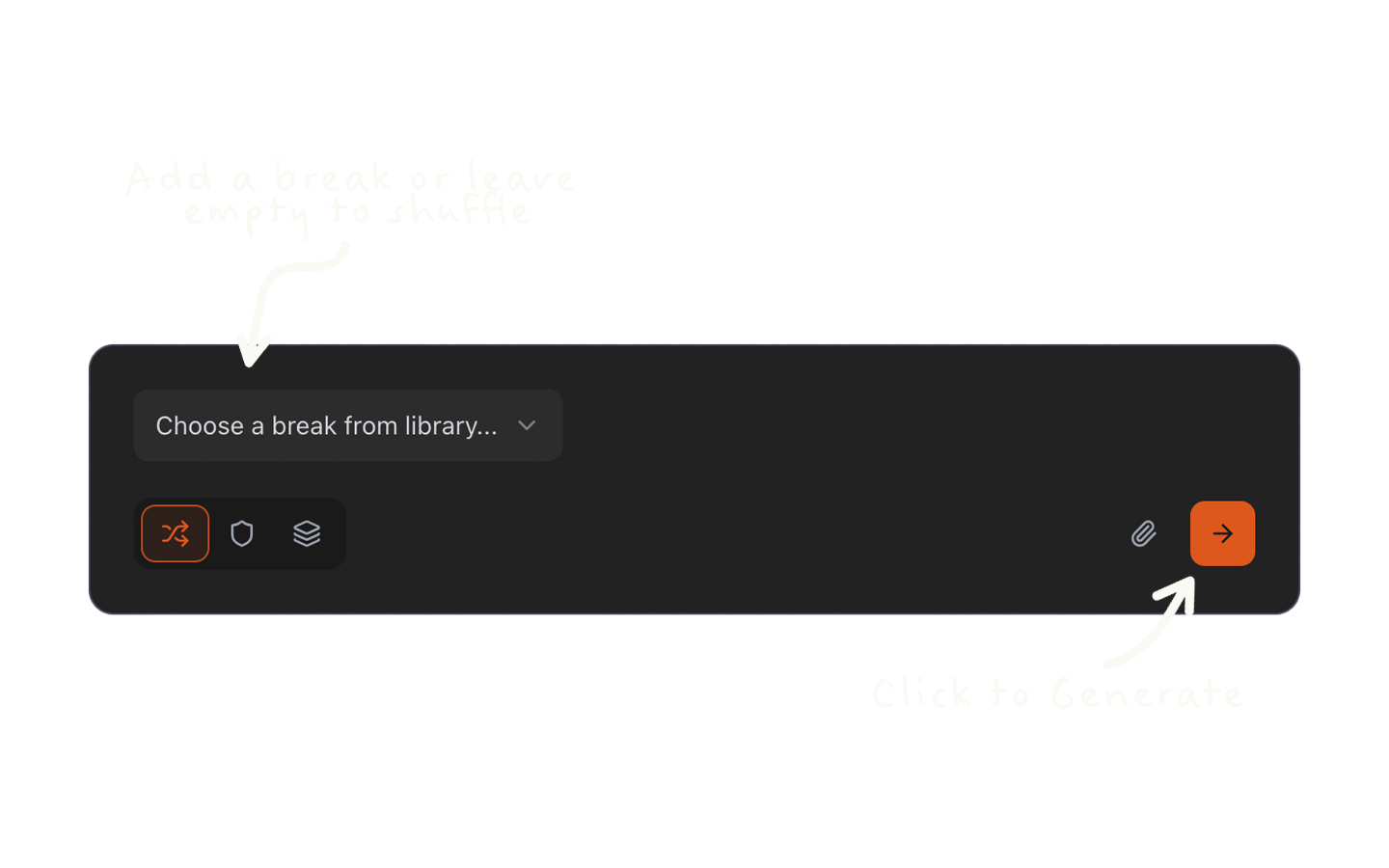
Select a generation mode (Random by default).
3. Choose a source
Pick a break from the library, or upload your own audio clip.
Tip: If mode is Random, leave source empty to shuffle 4 random breaks from library.
4. Hit Generate
Click Generate and your results will appear below as they complete. Click any loop to preview it in the player.
5. Engage with your generations
a. Loop Player
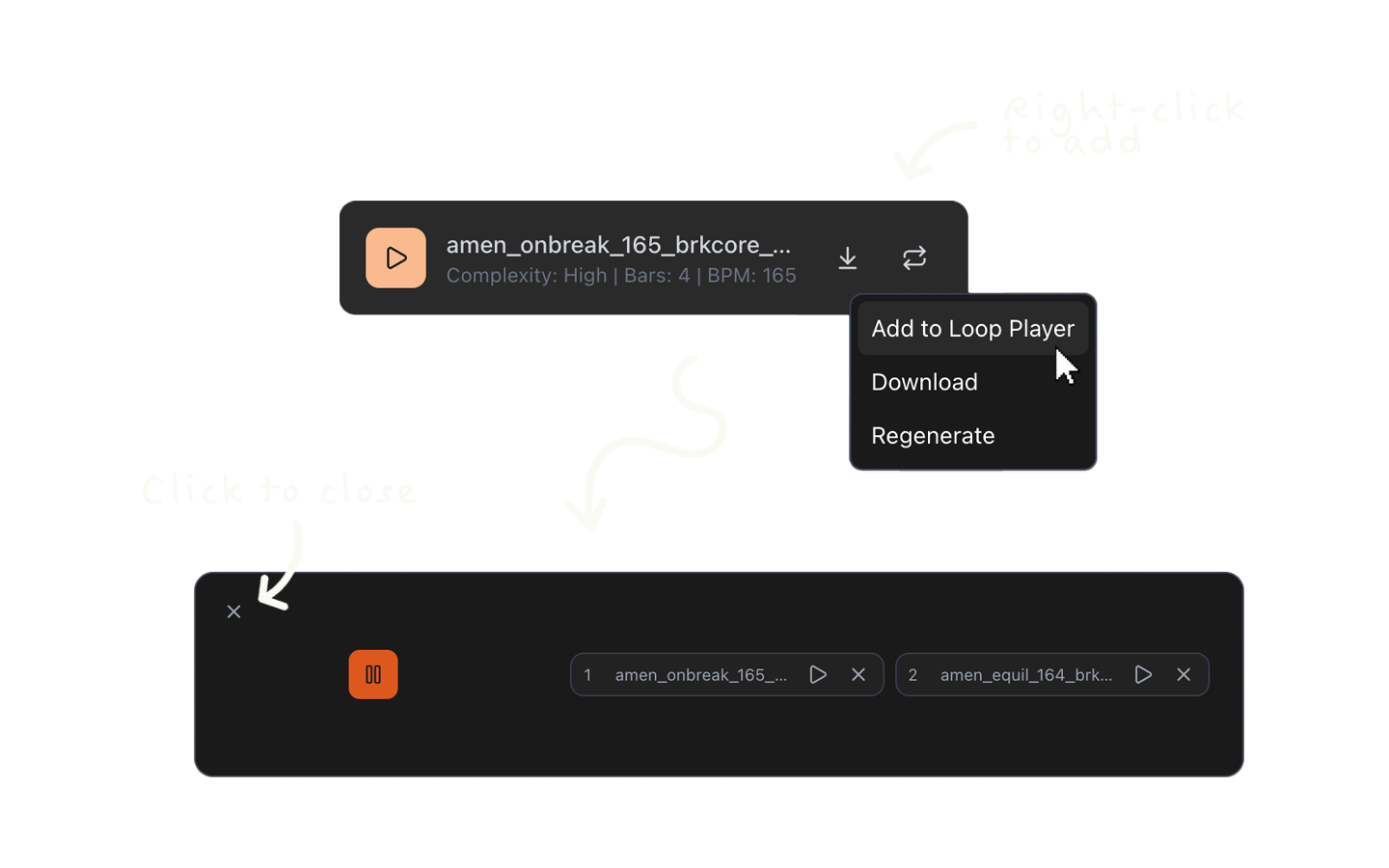
Hear your generations looped together — right-click or long-press (mobile) on a loop, then click Add to Loop Player. The player only appears when at least one loop is queued. Up to 4 loops can be queued at once.
b. Remix
Below any batch, click the repeat icon to generate a new batch, using the selected batch's parameters and input sources. Random mode batch remixing will only reuse sources.
c. Regeneration
Click the repeat icon on a loop to generate a new batch, using the selected loop's parameters, input source(s), and pattern. This will give you 4 new loops just like your selection, only slightly different.
Tips
Loops generate in real time. If one shows as processing, wait a moment before refreshing.
You can rename your session at any time from the session header.
Completed loops can be downloaded individually or as a batch zip.
For quiz, trial length, and cancellation rules, see Quiz and Free Trial